

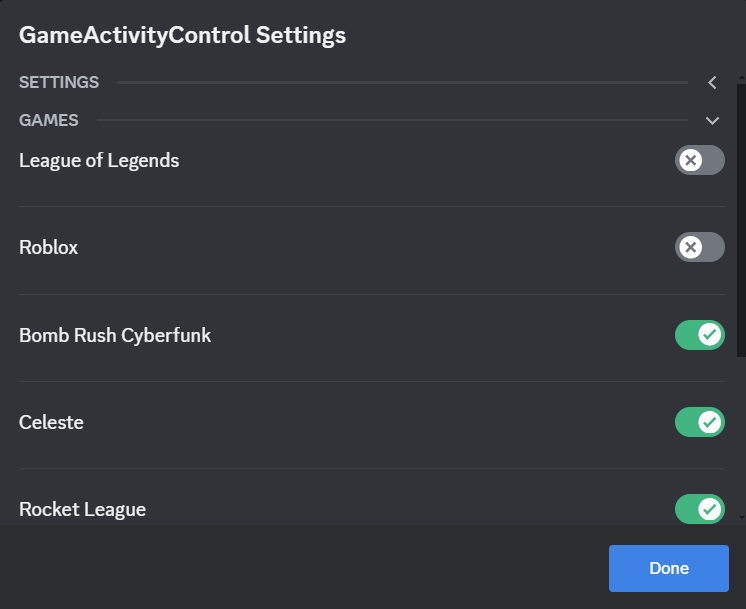

Customize which activities, games, or apps are displayed in your Discord status with advanced filtering and visibility options.

- Download the
ActivityFilter.plugin.js. - Place the
ActivityFilter.plugin.jsfile into your BetterDiscord plugins folder. - Enable the plugin through the BetterDiscord settings.
- Open Settings: Navigate to the BetterDiscord settings and find the ActivityFilter plugin.
- Select Activities: Toggle the switches next to activities, games, or apps to show or hide them in your status.
- Apply Changes: Click "Done" to save your preferences.
- Check Status: Open Discord to ensure your selected activities are displayed.
You can update your activity visibility settings anytime through the plugin settings.
If you have any questions or need support, feel free to reach out to me on Discord: Sewsho