
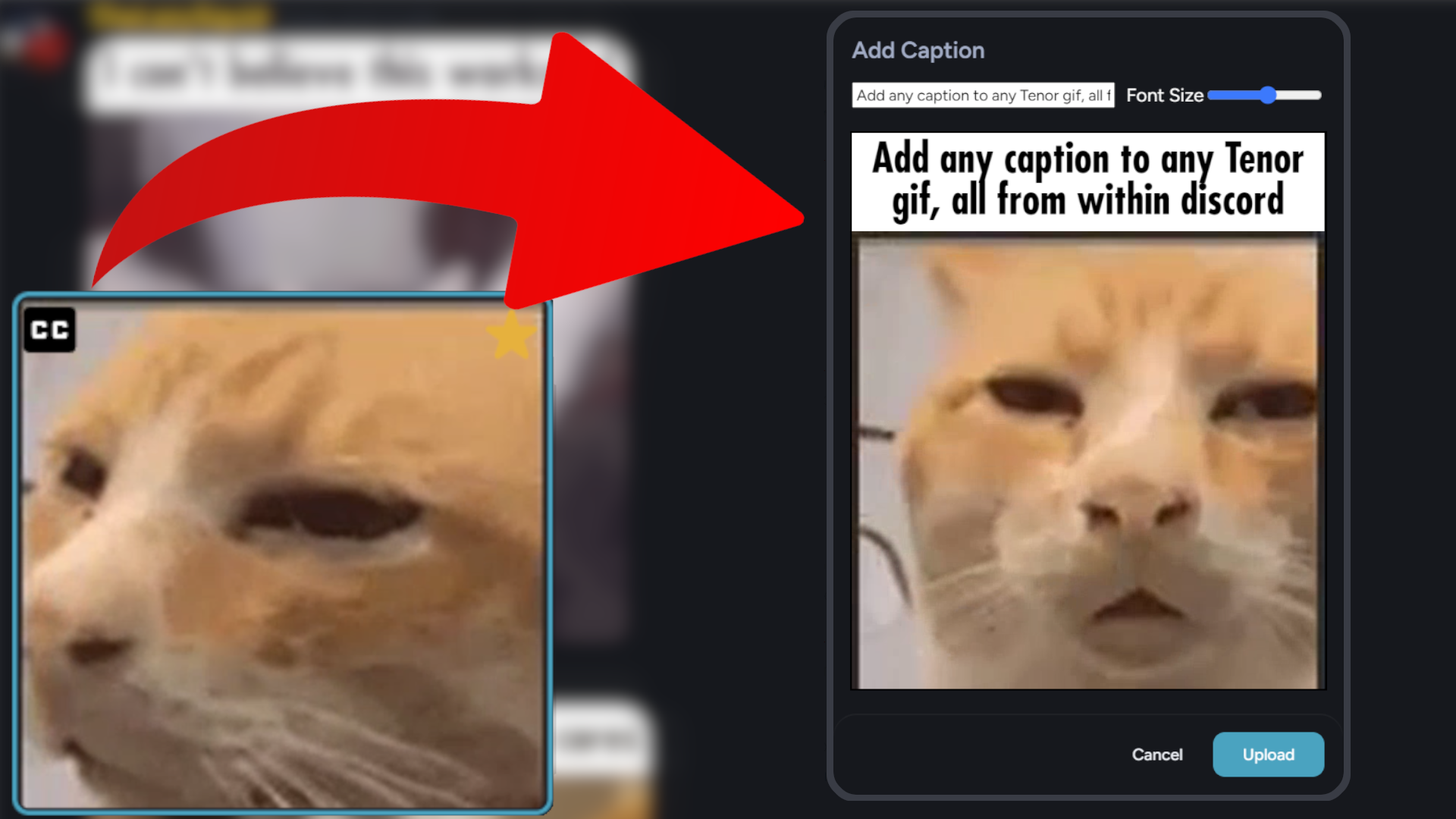
This plugin adds a way to add a custom caption to gifs in your gif picker directly within discord. Gifs inside the gif picker will have a new button at the top left that will open a dialog to create a custom caption.
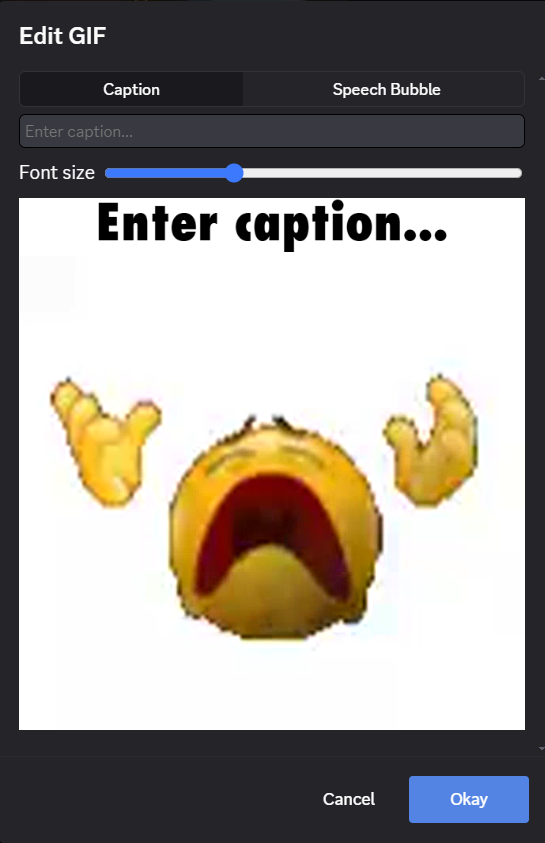
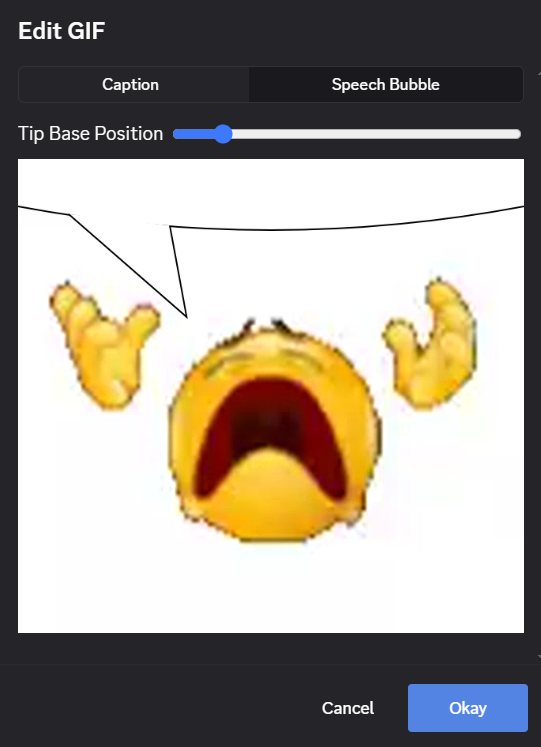
After completing this the gif will be rendered with the caption and sent to the channel you are currently in. You also have the option to add a speechbubble to the gif instead. Clicking on the gif will move where the tip of the speechbubble is.
To install, download the plugin here and put it in your BetterDiscord plugins folder.
The quality of captioned gifs will sometimes be a bit lower than the original. This is because tenor does not actually use gifs, but rather looped MP4s. Converting to a gif will often result in a loss of quality.