

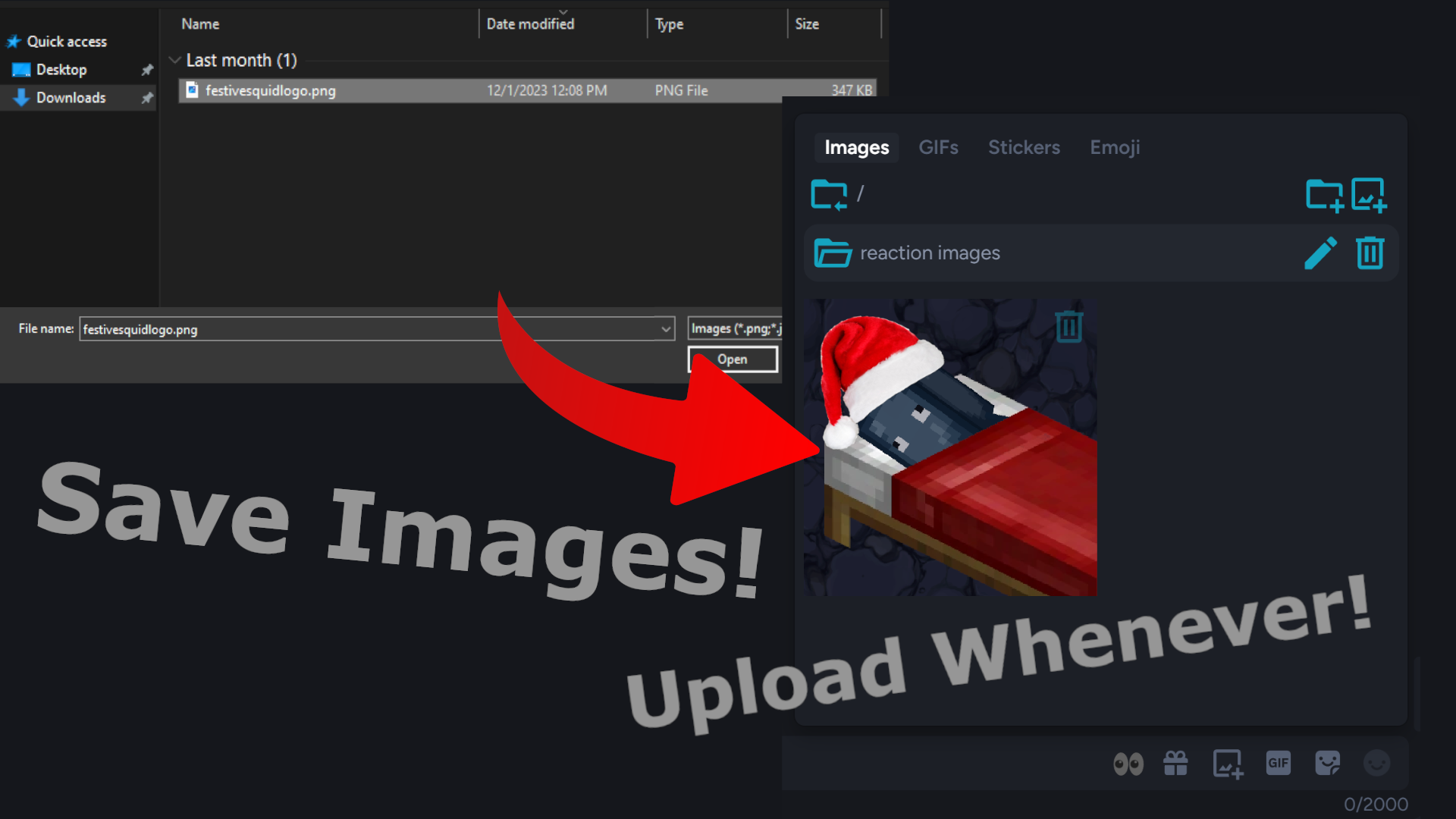
This plugin adds a new tab to the expression picker window that makes it easy to store and send images, audio, and video.
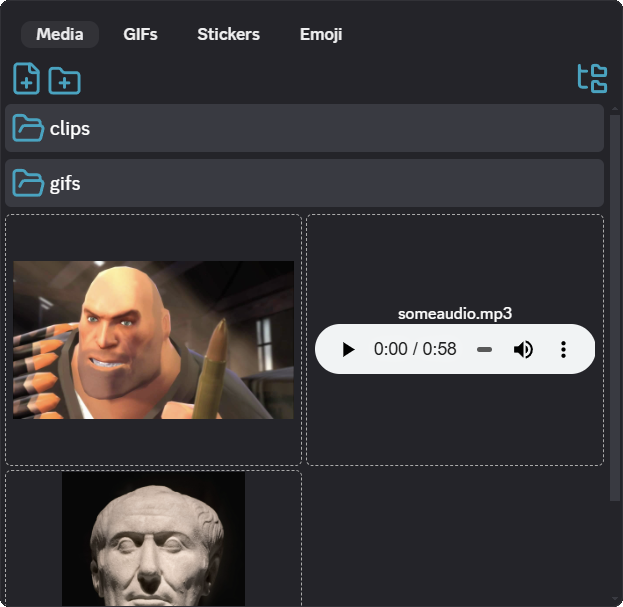
With this plugin installed a tab called "media" will be added to the expression picker (the popup with gifs/stickers/emojis), and a button will be added to the chat bar to access it. You can add images/audio/video to this tab by dragging and dropping or clicking the upload button. Media can be sent to your current channel by clicking on it. You can also create folders within the tab and within other folders to stay organized.
You can hide the button to open the media tab in settings, and the max preview size can be configured. By default media larger than 12mb will not be displayed, although it can still be sent.