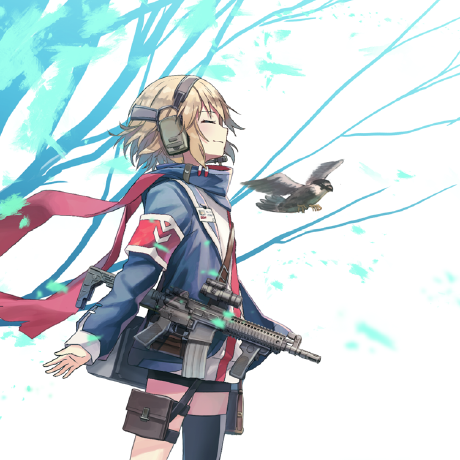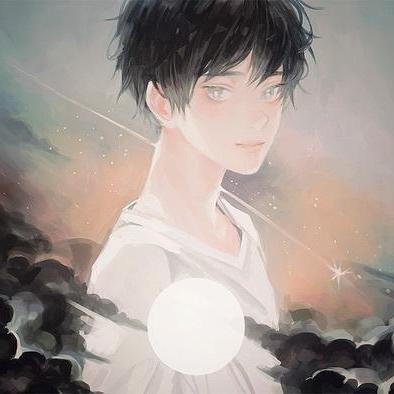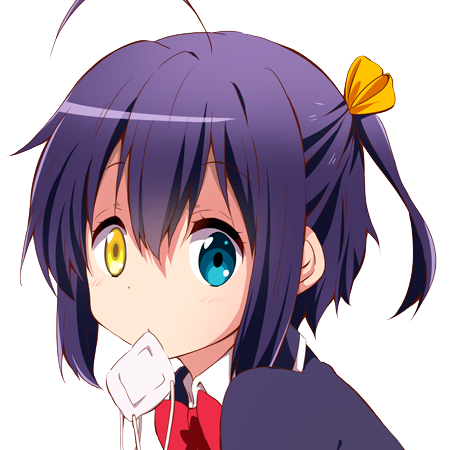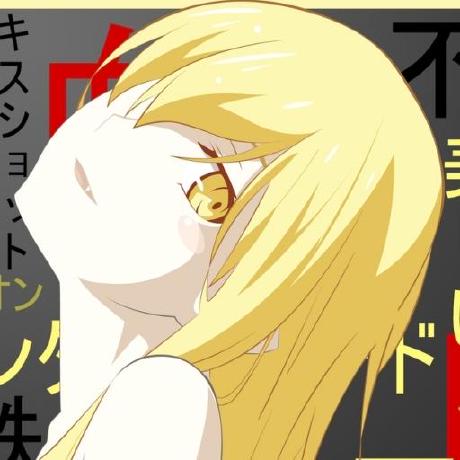
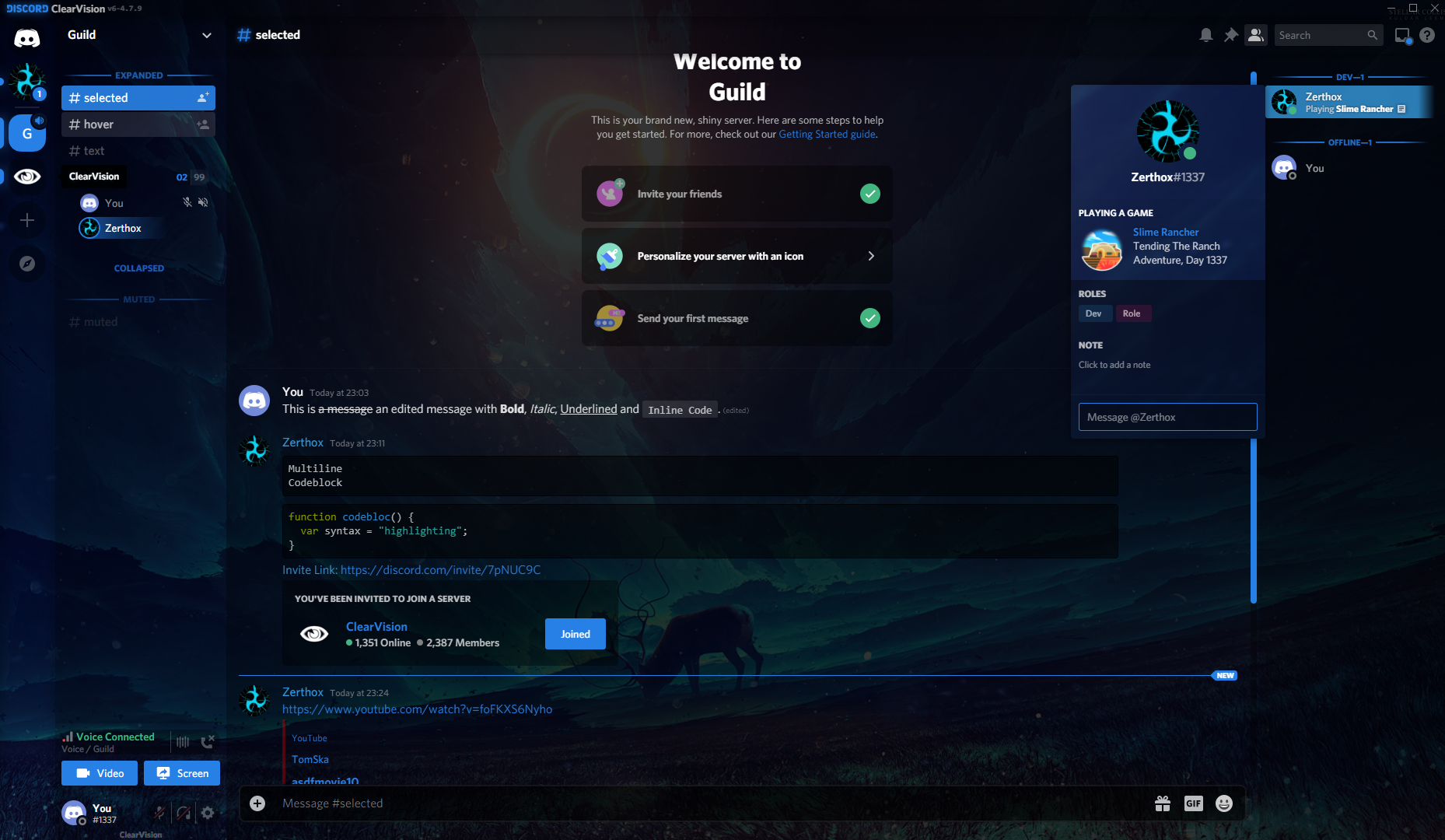



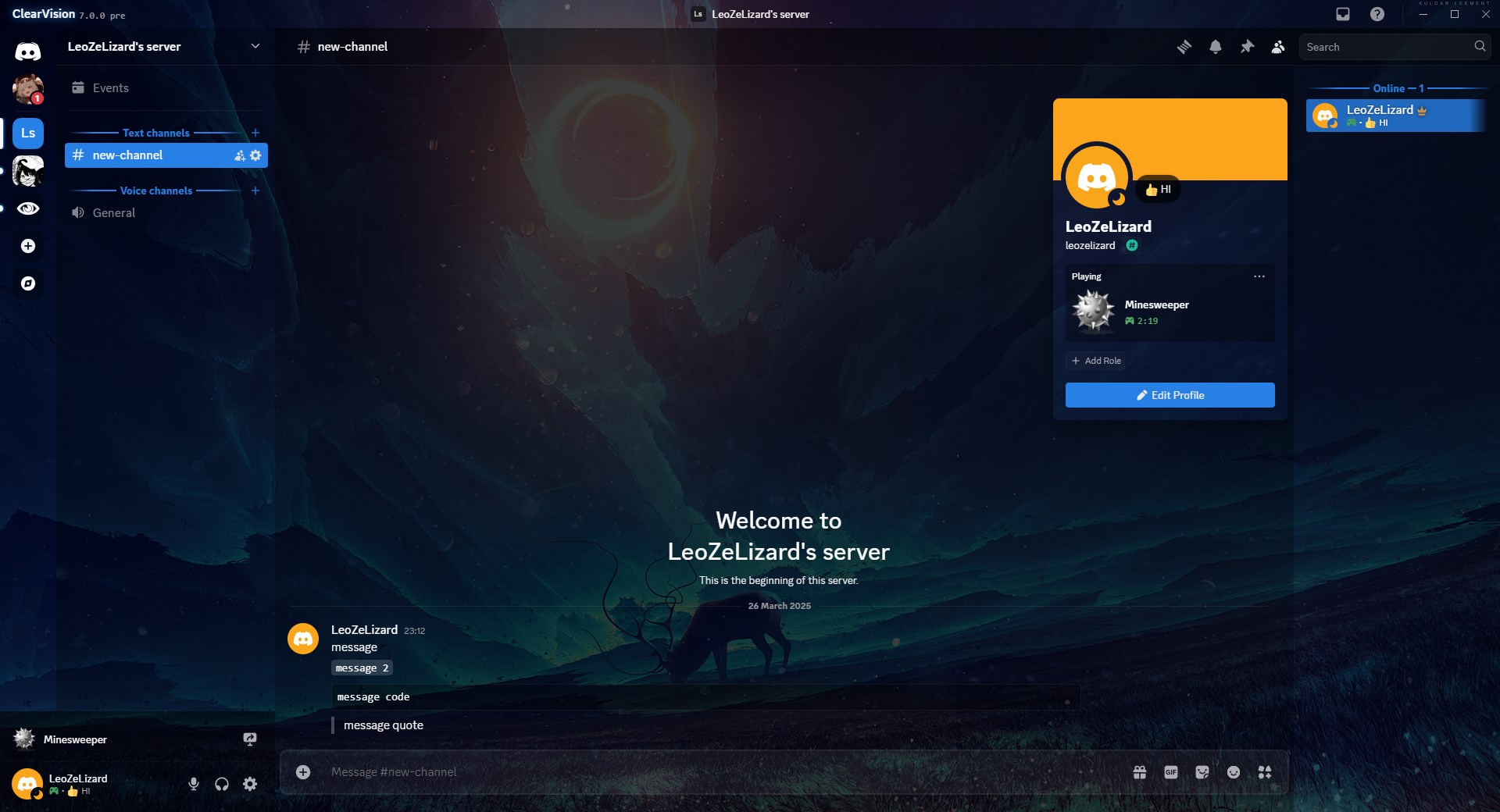
List of presets available. All primarily for dark mode
- Sapphire - Darkish blue | Art: https://www.deviantart.com/kuldarleement/art/Stellar-collision-397866757 ; https://www.deviantart.com/kuldarleement/ ; http://www.kuldarleement.eu/
- Ruby - Red | Art: https://www.deviantart.com/artistmef/art/Follow-the-path-279366207 ; https://www.deviantart.com/artistmef/
- Amber - Orange | Art: https://www.deviantart.com/chromamancer/art/War-March-201045286 ; https://www.furaffinity.net/view/5408230 ; https://www.furaffinity.net/user/chromamancer/
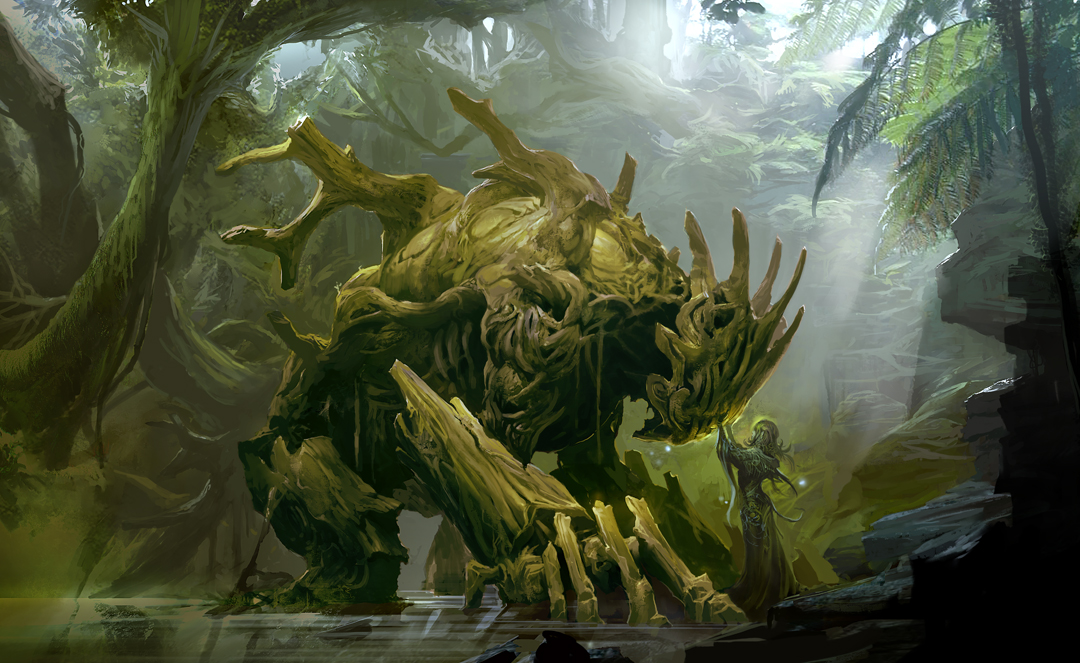
- Emerald - Green | Art: Work from "Guild Wars" or "Guild Wars 2" ; http://www.kekaiart.com/guild-wars-2.html ; http://www.kekaiart.com/uploads/5/4/7/6/5476798/7976137_orig.jpg ; http://www.kekaiart.com/t
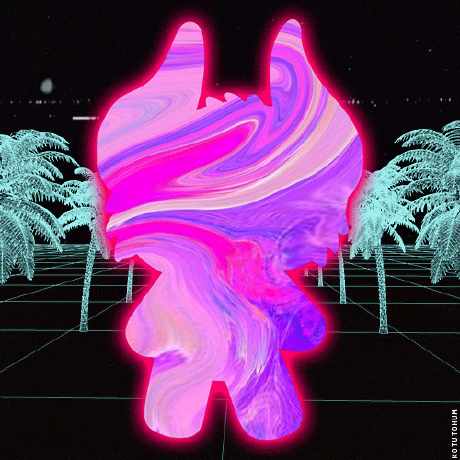
- Amethyst - Magenta | Art (tinted purple): https://www.deviantart.com/vityar83/art/gulls-149920115 ; https://www.deviantart.com/vityar83
- Halloween - Orange, for festivity | Art: https://www.deviantart.com/unidcolor/art/Halloween-2014-491224711 ; https://www.deviantart.com/unidcolor/
- Winter - Light blue, for festivity | Art: https://wall.alphacoders.com/big.php?i=114938 ; unknown artist.
Goals:
- Supports visual refresh - New UI with new chat input & new UI with old chat input
- Supports both light and dark, along with dark variants
- Supports saturation setting
- Uses smallest css target possible
- Plugin support in extra files for respective client mods
Currently not available
You can check for updates regarding the theme editor here
Note: ClearVision doesn't actively support plugins (as in, we don't seek out and actively theme fixes to every new plugin). However, when a plugin is widely used, we try our best to stay compatible.
For BD and Vencord:
Download the theme file from our official support server, the BetterDiscord Website or releases and move it into your injector's themes folder:
- BetterDiscord:
%appdata%\betterdiscord\themes - Vencord:
%appdata%\vencord\themes
For using the theme online:
There are multiple ways to do this if your client offers using an online version. The suggested two are https://clearvision.github.io/ClearVision-v7/main.css or https://raw.githubusercontent.com/ClearVision/ClearVision-v7/master/ClearVision-v7.theme.css
For customizing the theme from there, you'll want to use custom css and add any variables you'd like to change. It should look something like this:
:root {
	--main-color: red;
	--hover-color: yellow;
}
To build the theme from source, first install npm from the dependencies below, then you can run pnpm install to install all missing dependencies and pnpm run build to compile the theme into the /public folder.
Run pnpm run test to compile the theme.
The main.css file builds to the /test directory, which can then be copied into your client mod's Custom CSS or placed in the themes folder and enabled in settings. Just make sure any other themes are disabled for testing.
Join our discord server and post in our support channel if you need additional help!