
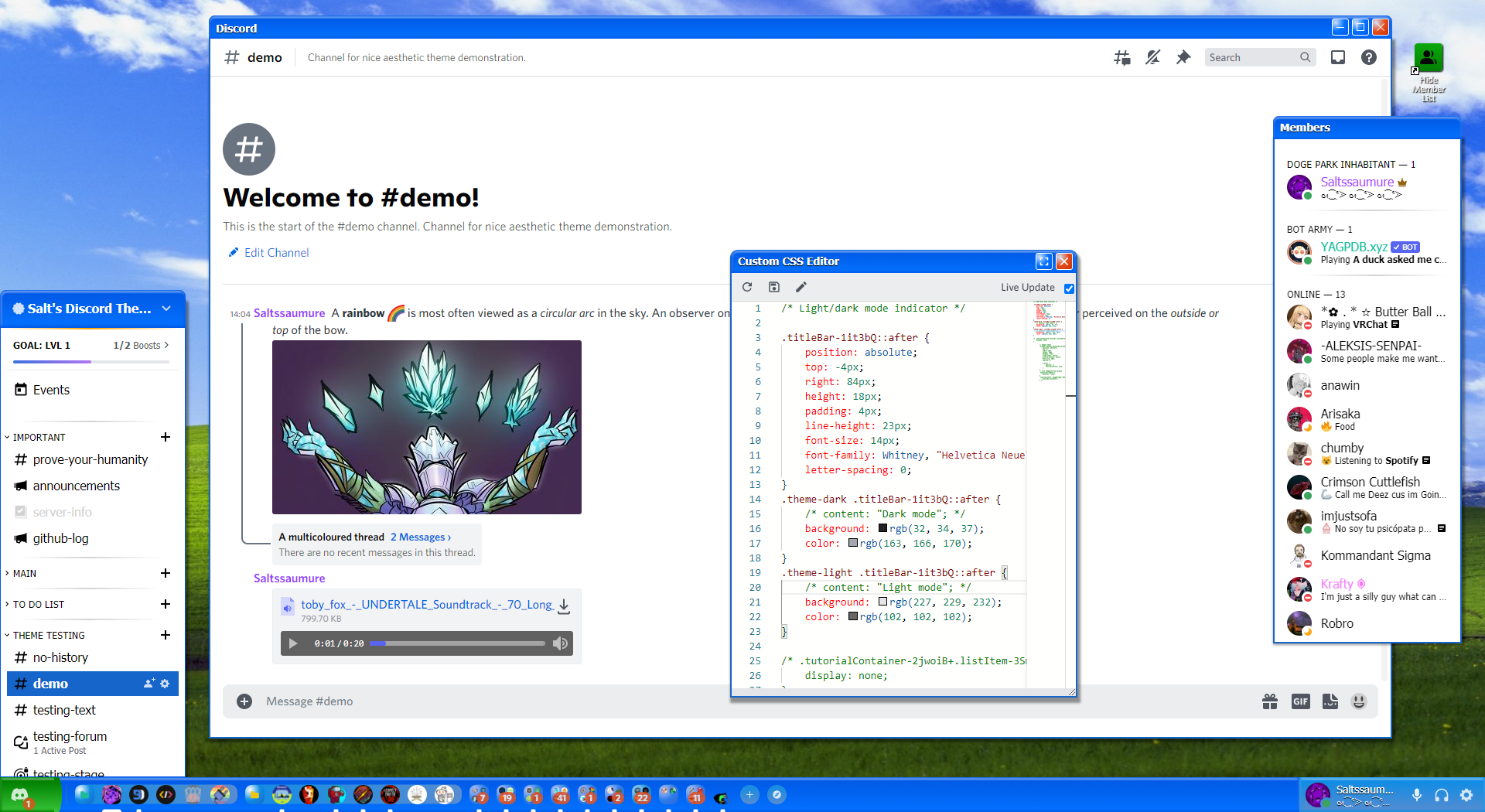




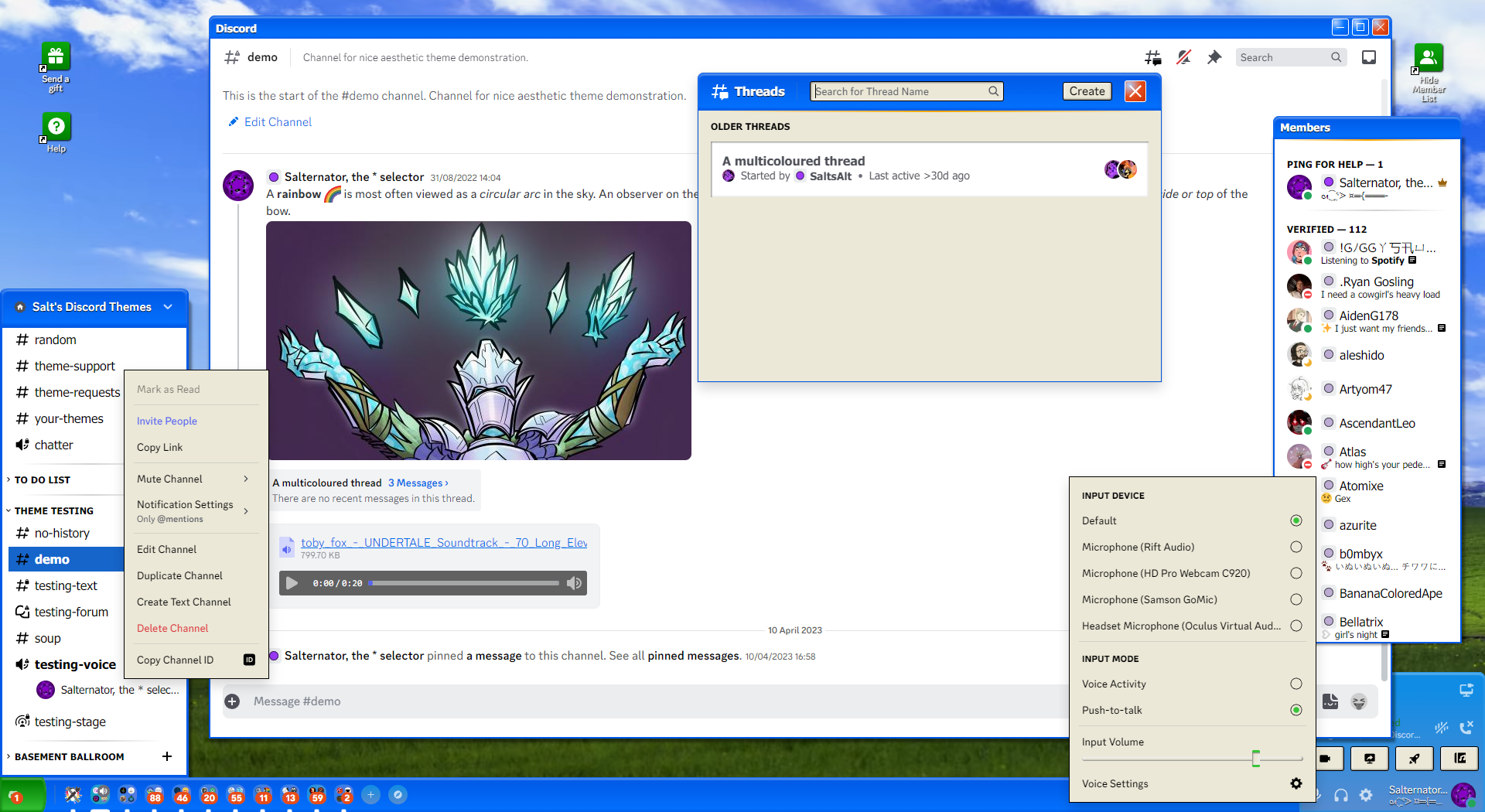
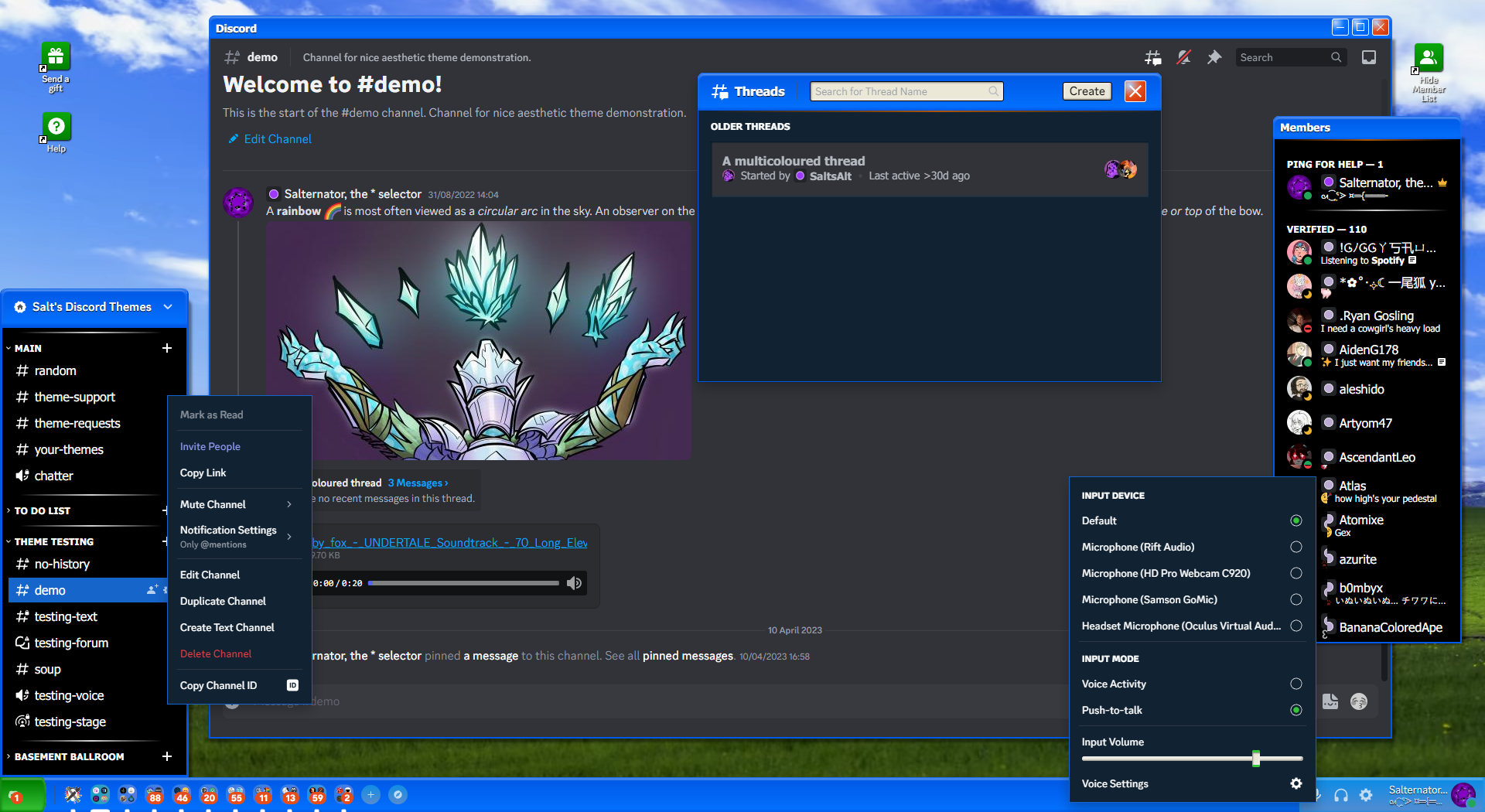
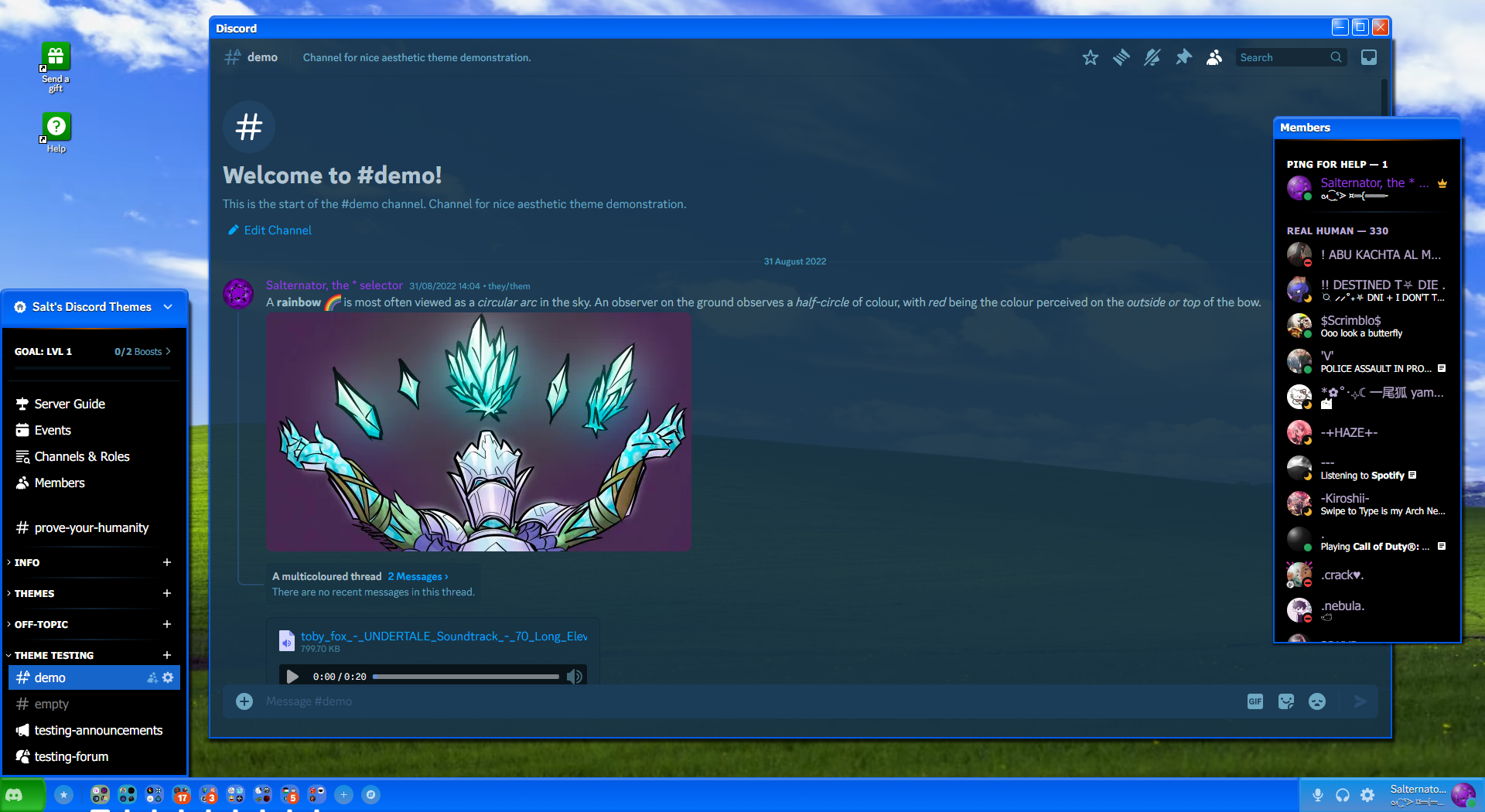
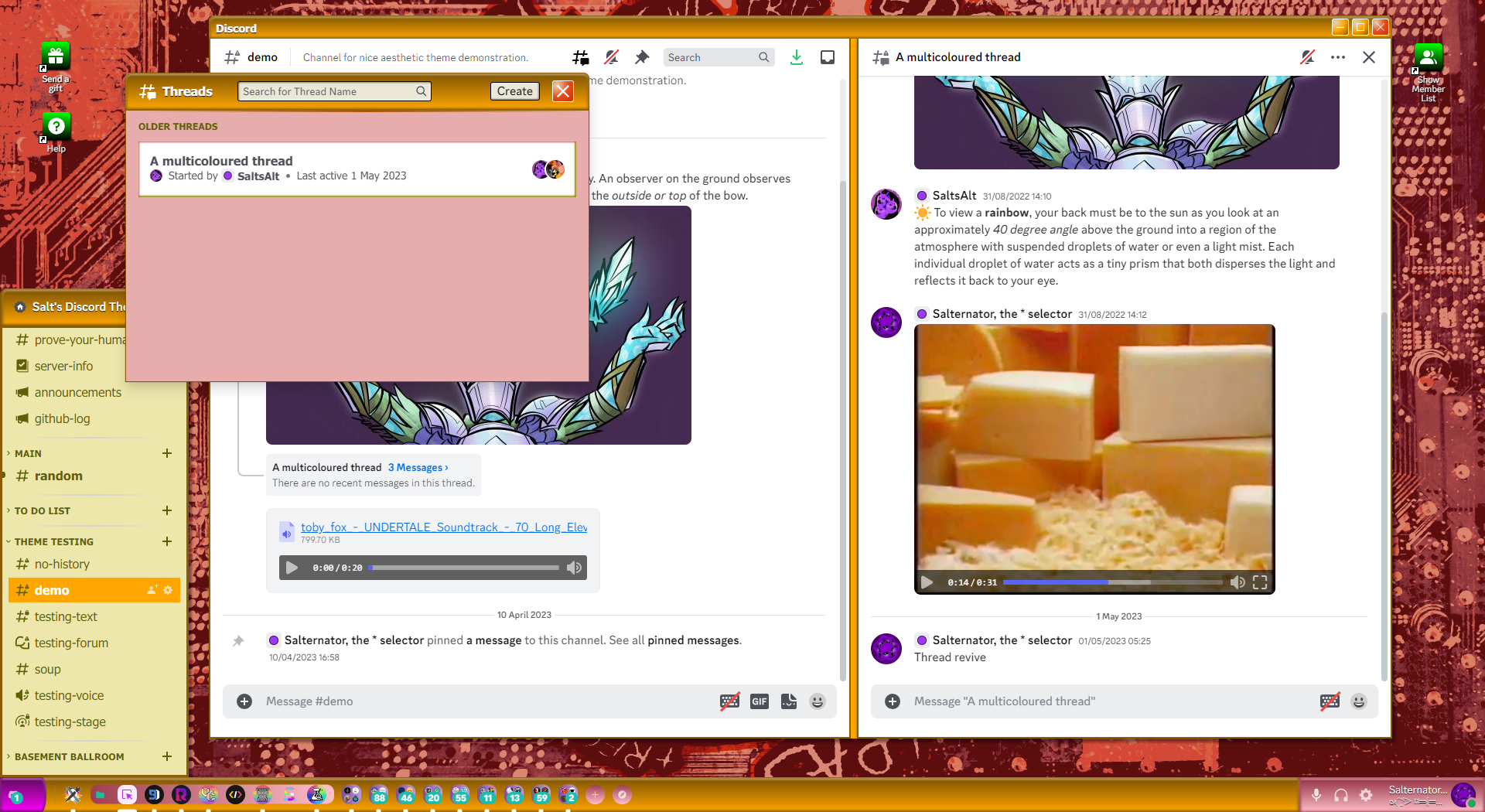
A Windows XP style Discord theme. Recommended for use with SystemColor.
| Light mode | Dark mode | With SystemColor |
|---|---|---|
 |
 |
 |
Click to expand
- Download
Exponent.theme.css: - Place the file in the themes folder:
-
Settings>BetterDiscord>Themes>Open Themes Folder
-
- Toggle on the theme card.
Click to expand
- Click to install:
- Download
net.saltssaumure.Exponent.asar: - Place the file in the themes folder:
-
Settings>Replugged>Themes>Open Themes Folder
-
- Click
Load Missing Themesand toggle on the theme card.
Click to expand
- Download
Exponent.theme.css: - Place the file in the themes folder:
-
Settings>Vencord>Themes>Local Themes>Open Themes Folder
-
- Click
Load missing Themesand toggle on the theme card.
- Paste the link in
Settings>Vencord>Themes>Online Themes:https://saltssaumure.github.io/xp-discord-theme/Exponent.theme.css
| Variable name | Description | Valid values | Default value |
|---|---|---|---|
--xp-background-image |
Background image | Any image link encased in url(). |
url(https://saltssaumure.github.io/xp-discord-theme/img/bliss.avif) |
--xp-background-color |
Background colour | Any colour. | #003300 |
--xp-window-color-1, -2
|
Window titlebar colours | Any colour. |
#005AE7, #0372FF
|
--xp-taskbar-color-1, -2, -3
|
Taskbar control colours | Any colour. |
#108CE4, #578CD0, #1665CA
|
--xp-start-color-1, -2
|
Start button colours | Any colour. |
#008000, #38C438
|
--xp-shortcut-color-1, -2
|
Shortcut icon colours | Any colour. |
#0CA80C, #008000
|
--xp-ping-color-1, -2
|
Ping bubble colours | Any colour. |
#E64D1C, #C73207
|
--xp-tooltip-color-1, -2
|
Tooltip colours | Any colour. |
#F0EFED, #EBE8D7
|
--xp-avatar-shine |
Toggle avatar shine |
on or off
|
on |
--bsod-color |
BSOD background colour | Any colour. | navy |
--bsod-text |
BSOD text | Any text. Use \A for new lines. |
Read here. |
--xp-bg-color |
Panel background colour | Any colour. |
#000 (dark) / #FFF (light) |
--xp-set-color |
Panel settings icon colour | Any colour, preferably translucent. |
#FFFFFFB3 (dark) / #000000B3 (light) |
--xp-hover-color |
Panel hovered item colour | Any colour. |
#102030 (dark) / #D3D3D3 (light) |
--xp-zing-color |
Panel top decoration colour | Any colour. |
#A05000 (dark) / #FFA500 (light) |
--xp-txt-color |
Panel text colour | Any colour. |
#FFF (dark) / #000 (light) |
--xp-bg-bright-color |
Button highlight colour | Any colour. |
#203040 (dark) / #F0EFED (light) |
--xp-bg-tint-color |
Button background colour | Any colour. |
#202020 (dark) / #EBE8D7 (light) |
--xp-bg-shade-color |
Button shadow colour | Any colour. |
#101010 (dark) / #808080 (light) |
--xp-border-color |
Button/panel border colour | Any colour. |
#1665CA (dark) / #000000 (light) |
Click to expand
- Open
Settings>BetterDiscord>Themes. - Click the pencil icon on this theme.
- Edit the variable values and save changes.
Click to expand
- Enable
Automatically Apply Quick CSSinSettings>Replugged>General. - Open
Settings>Replugged>Quick CSS. - Copy and paste lines 15-57 of
Exponent.theme.css. - Edit the variable values and save.
Click to expand
-
Open Themes FolderinSettings>Vencord>Themes>Local Themes - Open
Exponent.theme.csswith your favourite text editor. - Edit the variable values and save.
-
Enable Custom CSSinSettings>Vencord>Vencordand clickOpen QuickCSS File. - Copy and paste lines 15-57 of
Exponent.theme.css. - Edit the variable values.
Copyright (c) 2022-2024 Saltssaumure
This theme is free software: you can redistribute it and/or modify it under the terms of the GNU Affero General Public License as published by the Free Software Foundation, either version 3 of the License, or (at your option) any later version.
This theme is distributed in the hope that it will be useful, but WITHOUT ANY WARRANTY; without even the implied warranty of MERCHANTABILITY or FITNESS FOR A PARTICULAR PURPOSE. See the GNU Affero General Public License for more details.
- HorizontalServerList by DiscordStyles (Gibbu) - MIT license
- Bliss by Microsoft (Charles O'Rear)
- Post an issue on GitHub.
- Post in
#theme-supporton my support server.